BINW_FR_1140 — Build Out Electrical Room 120. The displayed example runs August 3–16, 2021.
Review Your P6 Schedule Using AI. Find the evidence behind the dates.
One activity at a time.
Watch how a focused question becomes an activity ID, a source-page extract and a field-readiness check. Start with a free session about applying that review workflow to your project or team.
5:00 walkthrough
Example schedule with historical dates and onscreen captions. The clip demonstrates activity lookups and source evidence; the five checks below extend that workflow. It is not a complete schedule audit.
Read the walkthrough summary
00:41 — Ask a focused question. Locate completion dates and activities showing zero total float. Request activity IDs and source-page references.
01:01 — Ask for the backup. Request highlighted schedule extracts, then compare them with the original source.
01:42 — Connect the row to field readiness. Use the electrical-room example to ask about materials, preceding trades and conditions needed for the planned work.
02:03 — Review the next operation. Locate the slab operation and the dates of the next printed activity. Investigate the applicable specifications and requirements rather than treating dates alone as proof of readiness.
03:17 — Bring the other records. Add look-ahead, procurement, requirements and baseline information. Cost questions also need relevant cost records.
04:00 — Start with one activity. Ask what is scheduled, what happens next and where the information appears; then verify what has to happen in the field.
This is an editorial summary, not a verbatim transcript.
30+ years in construction·$4B+ in project experience·Design through closeout·Leadership experience across prior and current roles
Three ways teams try to catch problems early, and why each one misses.
Scrolling the Gantt
Why it misses: Shows dates and logic. Never shows the missing approval, the change order in process or the open RFI behind them.
The weekly coordination meeting
Why it misses: Everyone reports on their own scope. The gaps live between scopes.
Chasing it by email, text and phone
Why it misses: Answers end up scattered across inboxes and text threads. Nobody can trace who confirmed what, or when.
Check every date against the five things it depends on.
Each check pairs the schedule with one other record. AI does the searching and cross-referencing; your team makes the call.
- Schedule × DrawingsDo the latest drawings and details match the work the schedule says is ready?
- Schedule × ProcurementIs every material approved, released and delivered before the crew needs it?
- Schedule × ChangesHave approved changes and answered RFIs actually reached the drawings, trades and dates?
- Schedule × SpecsWhich requirements, tests and inspections must be met before this work can move forward?
- Schedule × ConstructabilityDoes the sequence still work in the field? Think access, handoffs and the next trade.
We call it the Five-Check Readiness Method. Five checks, one activity at a time, every finding traced to a source page, so a list of dates becomes a list of questions with owners and deadlines.
Follow the P6 row back to its evidence.
The walkthrough locates a build-out activity, requests source backup and asks what has to be ready in the field.
Which materials, preceding trades and access conditions must be ready for this activity?
The schedule extract appears on source page 11. Compare the original page before using an AI response.
Record the question, evidence needed, responsible person and response deadline. Check applicable requirements and actual field conditions.
Historical example schedule. Displayed zero float and adjacent printed rows do not establish a complete critical path or schedule logic.
Keep the evidence and next action together.
Use the editable Five-Check worksheet. Entries stay in this open page and are not sent to Upscale.

You’ll talk to someone who sits across from owners and major clients on multi-billion dollar projects.
Not a software salesperson. Someone who knows what owners, developers and subcontractors ask for, because they sit across from them every day solving problems and keeping things running smoothly.
That’s the experience behind every session: practical judgment from real projects, with an assistant powered by AI, doing in minutes what usually takes hours for 2 people to accomplish.
30+years in construction
$4B+in project experience
Designthrough closeout
Less scrambling, fewer surprises, more time back.
This isn’t about learning another tool. It’s about what your projects look like when you save time, cut costs and make your days easier.
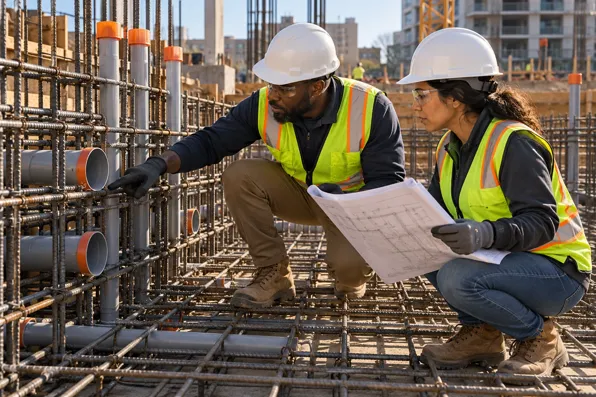
Fewer surprises.
Gaps, conflicts and open items surface ahead of the planned work.
48%of U.S. rework attributed to poor data and miscommunication in 2018 research; estimated at $31.3B for 2018.Source: FMI / PlanGrid, 2018

A stronger position if a claim or dispute comes up.
Every finding is logged with its own source, owner and date. The kind of records that hold up when a time extension or change is contested.
#1Contract-administration failure ranked first globally in Arcadis’s 2017 disputes. Average claimed value: $43.4M; duration: 14.8 months.Source: Arcadis 2018 report · 2017 data

Get back the hours lost searching for information.
Ask where a requirement lives and get the sheet, section or email in seconds, instead of digging through folders and inboxes.
5.5 hrsper week spent searching for project information, reported by respondents in the 2018 survey.Source: FMI / PlanGrid, 2018

Fewer RFIs and faster answers.
Many questions are already answered somewhere in the drawings, specs or correspondence. Find them first, and send only the RFIs that truly need a designer.
796 RFIsper project in a historical 1,362-project dataset. Review/response cost was estimated at $1,080 per RFI; average first reply: 6.4 days; median: 9.7.Source: Navigant, 2013 · projects begun 2001–2012
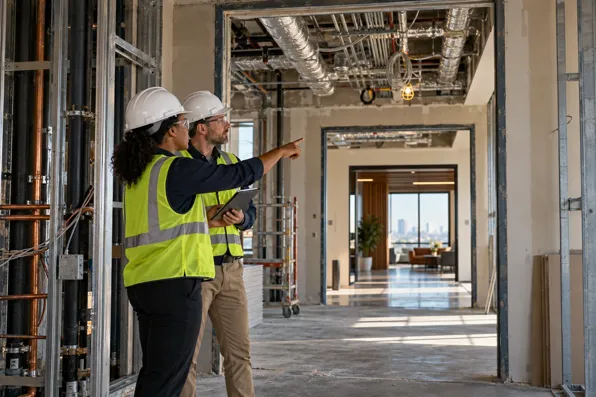
Changes that actually reach the field.
Revised sheets, answered RFIs and approved changes are checked against the work before it starts, so the crew builds the current design.
#4Incomplete design information or employer requirements for Design & Build ranked fourth globally among dispute causes in 2015.Source: Arcadis 2016 report · 2015 data
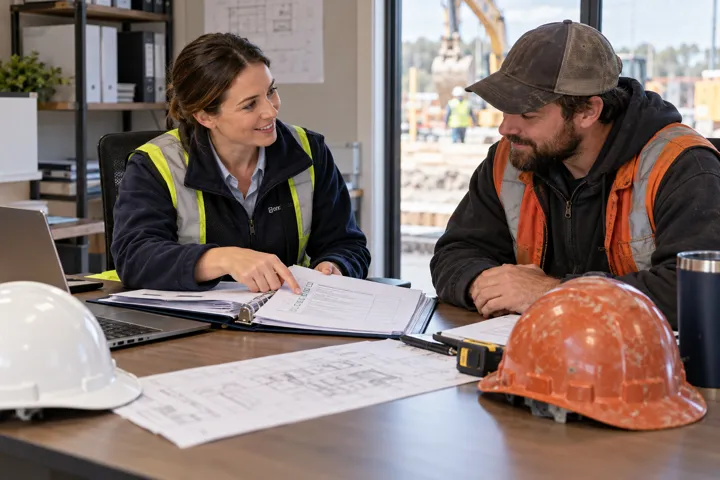
Spot duplicate scope before it gets paid.
Compare proposals, change orders and the base contract side by side to flag work that appears twice, before the invoice is approved.
65.7%of surveyed respondents identified potential AI value in cost management and forecasting.Source: Mastt survey, 108 respondents, 2026
See all 12 benefits ↓Show fewer ↑

Make the call with the facts on the table.
Walk into owner meetings and coordination calls with the evidence already gathered.
96%of surveyed respondents identified better, data-driven decision-making as a potential AI benefit.Source: BuiltWorlds, November 2025

Reports and summaries in minutes, not evenings.
Turn meeting notes, daily reports and email threads into draft summaries and action lists your team reviews and sends.
84.3%identified potential value in reporting. Separately, 38.9% self-reported saving at least 25% of task time using AI.Source: Mastt survey, 108 respondents, 2026

Less time refereeing conflicts.
When every question points to the record behind it, disagreements between trades, designers and the field settle on facts, not opinions.
~5 hrsper week spent on conflict resolution, reported in the 2018 construction survey.Source: FMI / PlanGrid, 2018
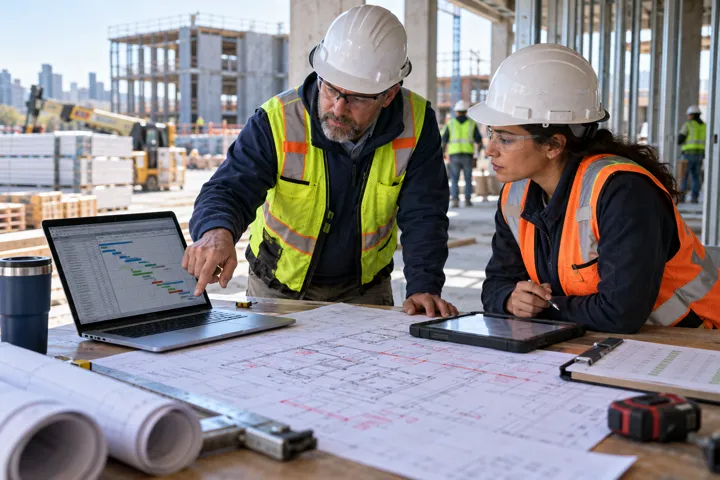
AI results you can check in seconds.
Every answer points to the page it came from so you can check it instead of wondering whether it’s right.
29.6%of respondents named accuracy and trust as their biggest barrier to using more AI.Source: Mastt survey, 108 respondents, 2026

Finally know where to start with AI.
No theory and no new software. Use tools you or your team may already be using.
15.7%named not understanding how to use AI as their biggest barrier; 13.0% named a team skills gap.Source: Mastt survey, 108 respondents, 2026

Do more with the team you have.
Give every team member the same process, so experience isn’t stuck with a few people who already know where to look.
349,000net new U.S. construction workers forecast to be needed in 2026. ABC attributed most demand to retirements.Source: ABC forecast, January 2026
Industry research provides context. These figures are not UCM client results or a promise of outcomes from a session. Mastt: 108 respondents, March–June 2026; views and savings are self-reported.
What our clients are saying.
Teams using our prompts, structure and guidance on real projects.
Caught before the work started
Early in the week, we ran the workflow on an activity coming up on Friday. It flagged two changes one trade never received. Fixing it took a phone call. Missing it would have meant tens of thousands in rework and lost time on the schedule.
Superintendent · General contractor, mid-rise residential
Delivery gap found early
The schedule had the equipment installed in week eight, but the original delivery wasn’t arriving until week ten. An alternate had been discussed and never confirmed. The workflow brought that conversation back up, and we ordered the alternate. Nobody had put the right documents side by side. Now it’s the first check we run when reviewing look-aheads in our meeting notes.
Project Manager · Mechanical contractor
Ten minutes of prep instead of two hours
I walked into the meeting with five questions on the agenda and the backup for each one. It took me ten minutes to put together instead of two hours. It was the shortest, most productive meeting we’ve had to date.
Project Executive · Owner's representative firm
Free 30-Minute Consultation
30 minutes, one-on-one, on your actual upcoming work. You walk away with:
- Real checks run on your upcoming activities, live
- A completed prompt and check worksheet
- Potential solutions to your most immediate issues
- A recommendation for coaching, consulting or team training, if it’s a fit
It may or may not be a fit, and we’ll tell you honestly either way.
Resources you can use before or after the conversation:
WORKSHEET
The Prompt and Check Worksheet
An editable concern, evidence, owner and next-action worksheet, with a fictional example.
PROMPT PACK
Five schedule-review prompts
Starting prompts for drawings, procurement, changes, specifications and constructability.
VERIFICATION
Example and verification checklist
A worked example, source-checking checklist and findings template in the starter pack.
Your cost for our review: $0
No obligation to purchase. Any later paid work has a separately agreed scope and fee.
OUR
PROMISE
PROMISE
If you don’t leave with at least 1 solution, we’ll run a second session on another activity completely free.
Honest limit: Every session is run personally, so openings each week are limited. If the calendar is full, the next available week shows first.
From click to completed worksheet.
Choose your free 30-minute session
Load Calendly to view available dates and book a time.
Open calendar in a new tabCalendly loads when requested. Your privacy choices apply.
- Pick a time using the booking calendar.
- Receive your confirmation and meeting details by email.
- Prepare your question. Choose one project, plan or upcoming activity. Do not send confidential files through the form.
- Run the relevant checks together in your 30-minute consultation.
- Keep your worksheet and decide on next steps.
The calendar books a time directly. The contact form is an alternative request; Upscale confirms those appointments separately.
Three ways to move forward.
You don’t have to choose now. On the session we’ll tell you honestly which fits — or if none does.
Project consultation
Focused help applying AI to a defined schedule, cost, change or coordination challenge.
Start with a free sessionGroup training
Hands-on practice around team workflows, with shared prompts, source checks and repeatable outputs.
Start with a free sessionExecutive AI coaching
Patient, one-to-one coaching for executives new to AI. Learn the basics, practise on familiar tasks and build confidence. No prior AI experience needed.
Start with a free sessionThe questions people ask before they book.
Is this a sales call?
No. It’s a working session on one of your real activities, and you keep the worksheet either way. In the last few minutes, if it makes sense, we’ll explain how consultation, training or coaching would work. If it doesn’t, we’ll say so.
Is my project data safe?
Don’t send confidential files through the form. In the session you share your screen and control what we see. Document handling for paid work is agreed in writing first.
Is this only for schedules?
No. The same method supports costs, changes, procurement and team coordination.
Which AI tools can we use?
Most commonly ChatGPT and Claude. Other AI tools may or may not work. It depends on what you use, what you’re familiar with and their capabilities, which we can discuss.
What if AI makes something up?
We’ll give you ways to reduce that risk, although every AI response should still be vetted and checked.
What does further consultation or help cost?
This is on a case-by-case basis. It depends on the need, the client and what’s required.
Can I just get the starter pack?
Yes. Get it here. No call required.
Start with the free schedule prompt pack.
Five schedule-review prompts
A structured starting point for drawings, procurement, changes, specifications and constructability.
Worked example and findings template
See how a Week 4 / Week 8 mismatch becomes a question, an owner and a next action.
Source-verification checklist
Check references, missing information and assumptions before using any finding.
Your pack is ready.
Download the five prompts, worked example, verification checklist and findings template. A copy is queued for email delivery.
Download the schedule prompt pack →Try one activity on your own. When you want help applying the method, request a free session.
You don’t need a big rollout. Start with one task, and see how much easier things get.— Upscale Construction Management
P.S. The short version: book a free 30-minute consultation, bring one upcoming activity, and leave with a completed prompt and check worksheet plus potential solutions to your most immediate issues.
That activity is already coming up. The only question is whether you find the gaps this week, or on site the day before.
Start with a free session